Dear Lucy provides several ready-made colour themes to choose from. To change the colour theme of a particular dashboard, do the following:
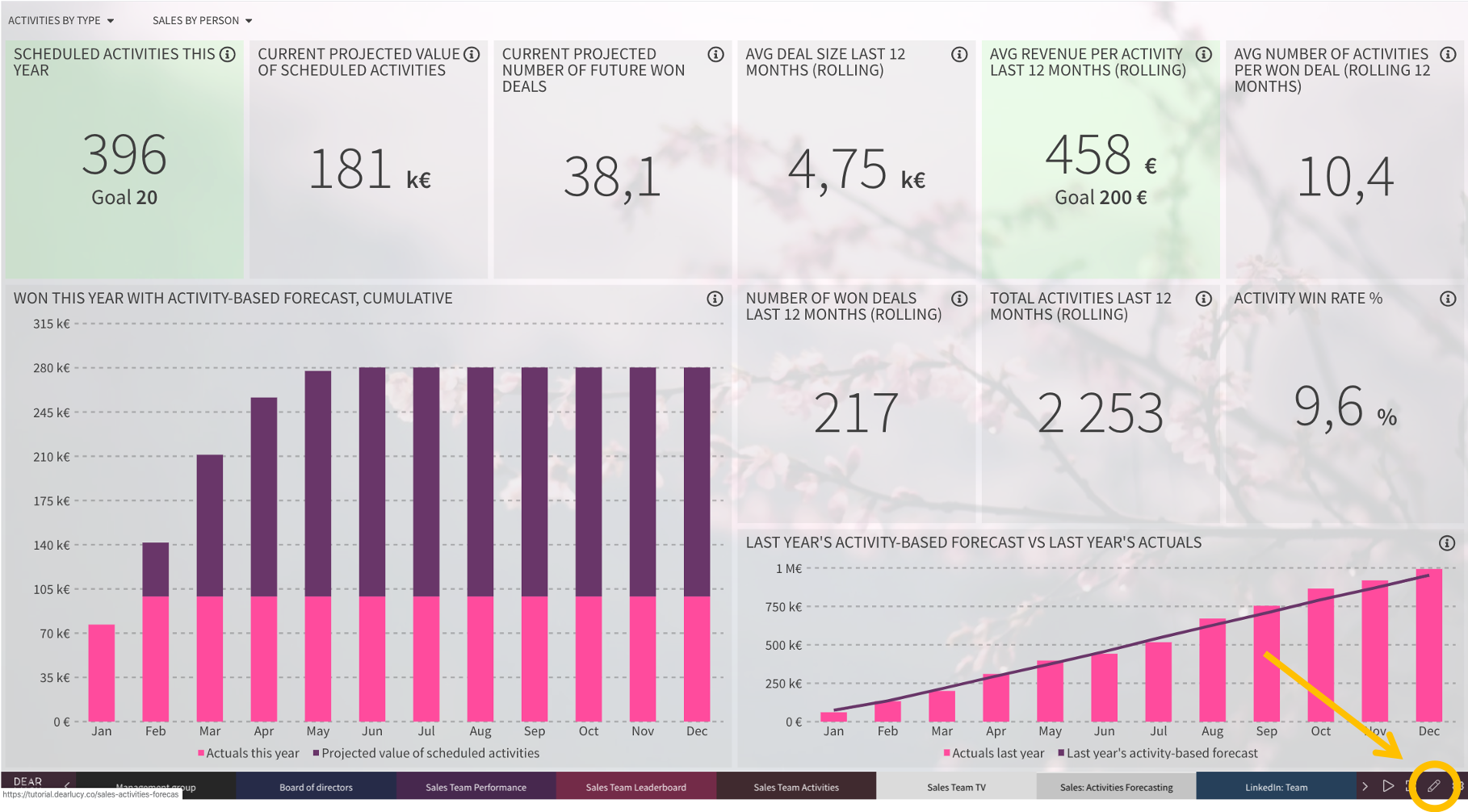
1) Click Edit icon on the dashboard you would like to change.
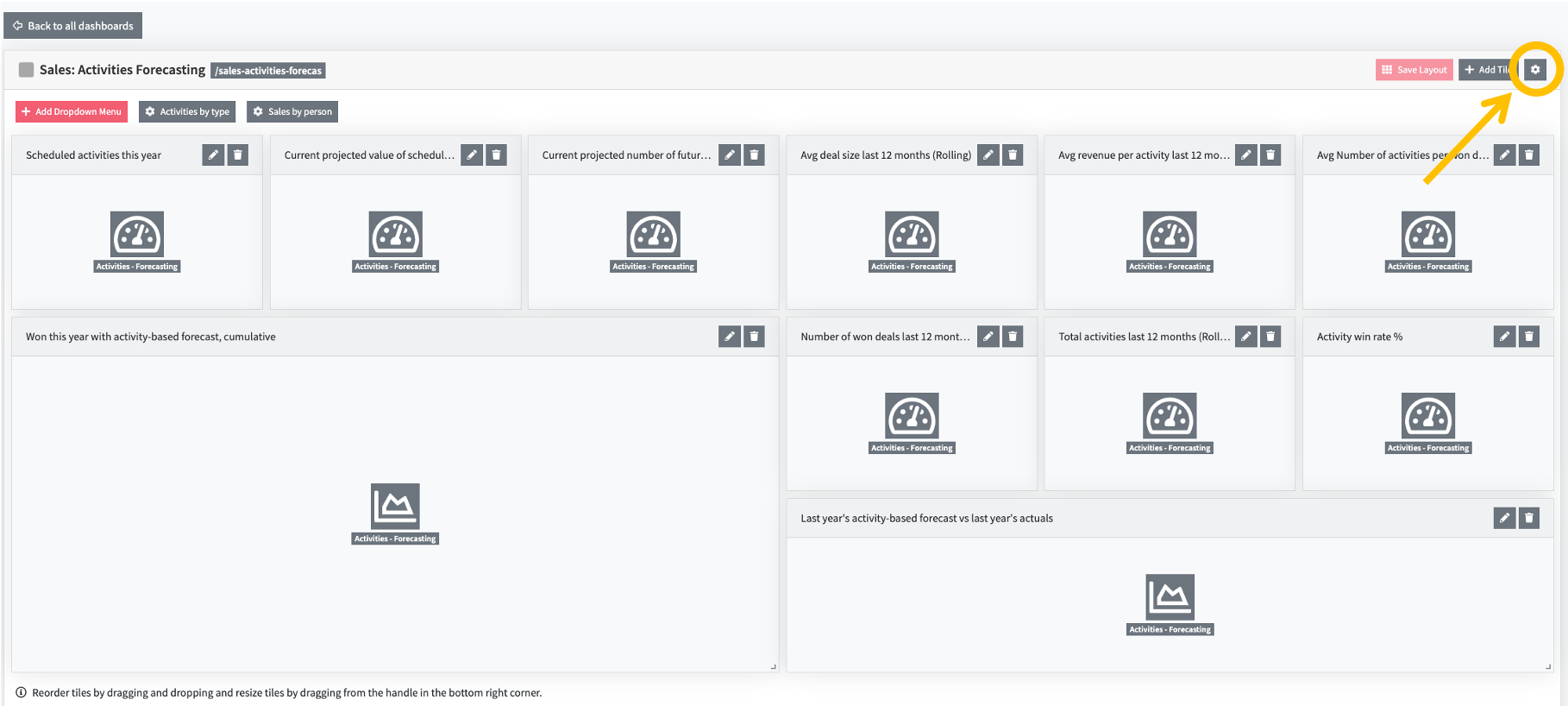
2) Click dashboard setting on the top right-hand corner.
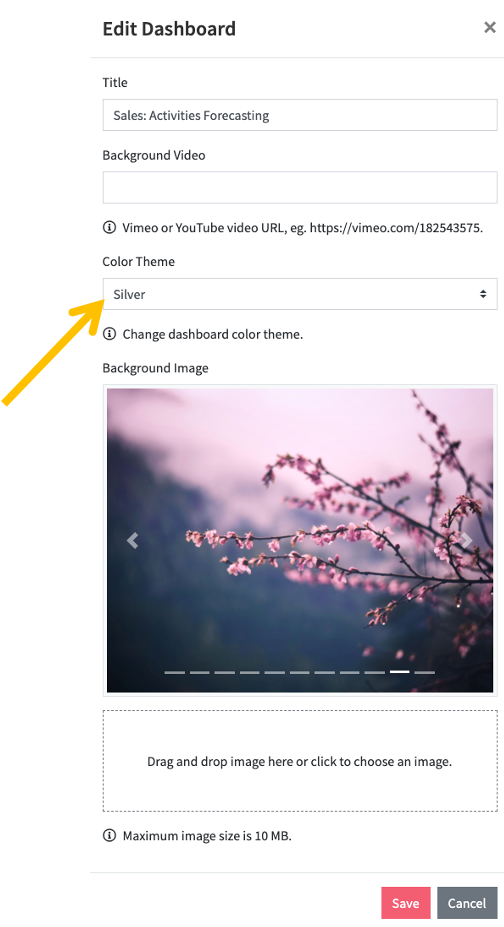
3) Select the colour theme on the window that opens. Remember to SAVE your selection.
Comments
0 comments
Please sign in to leave a comment.